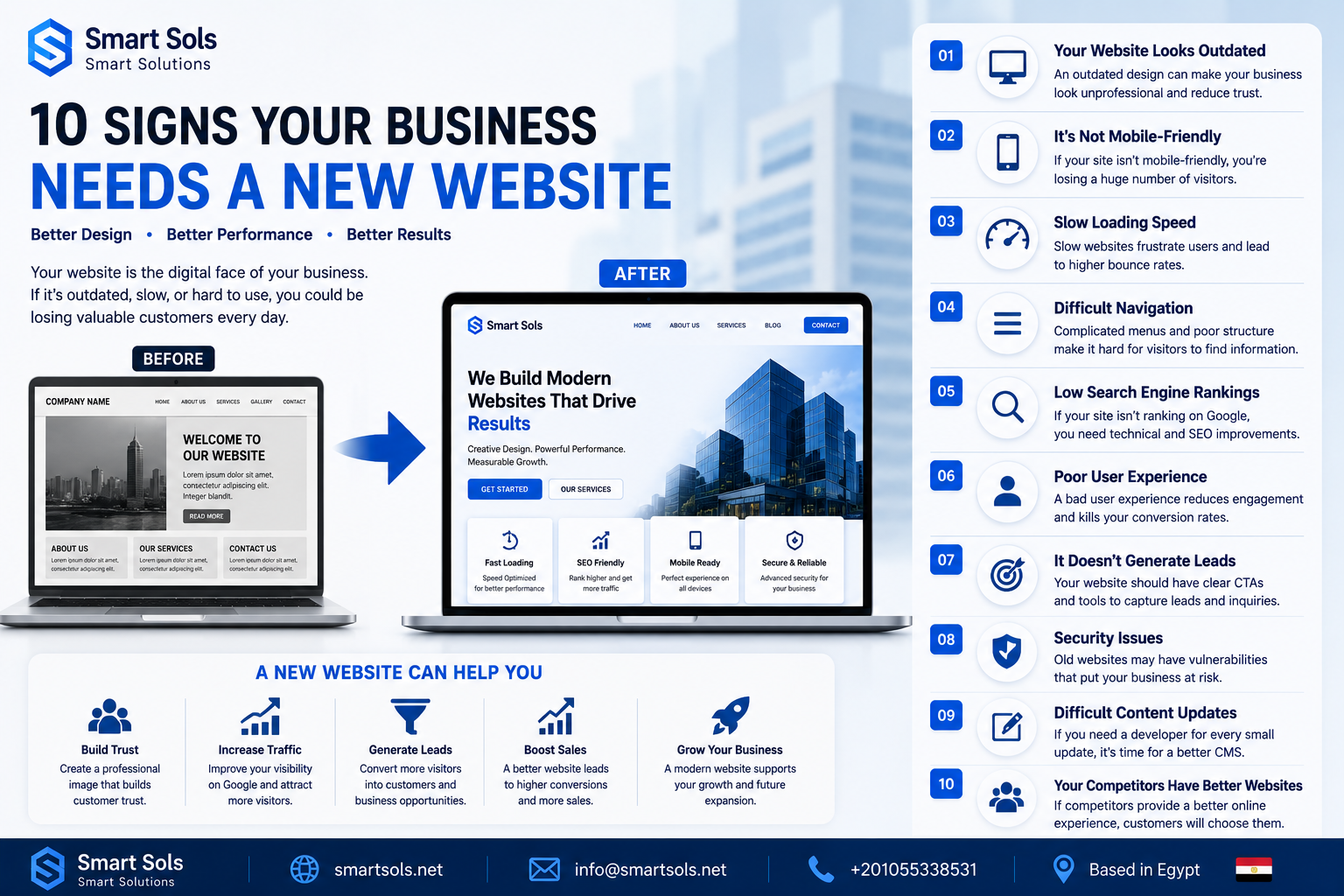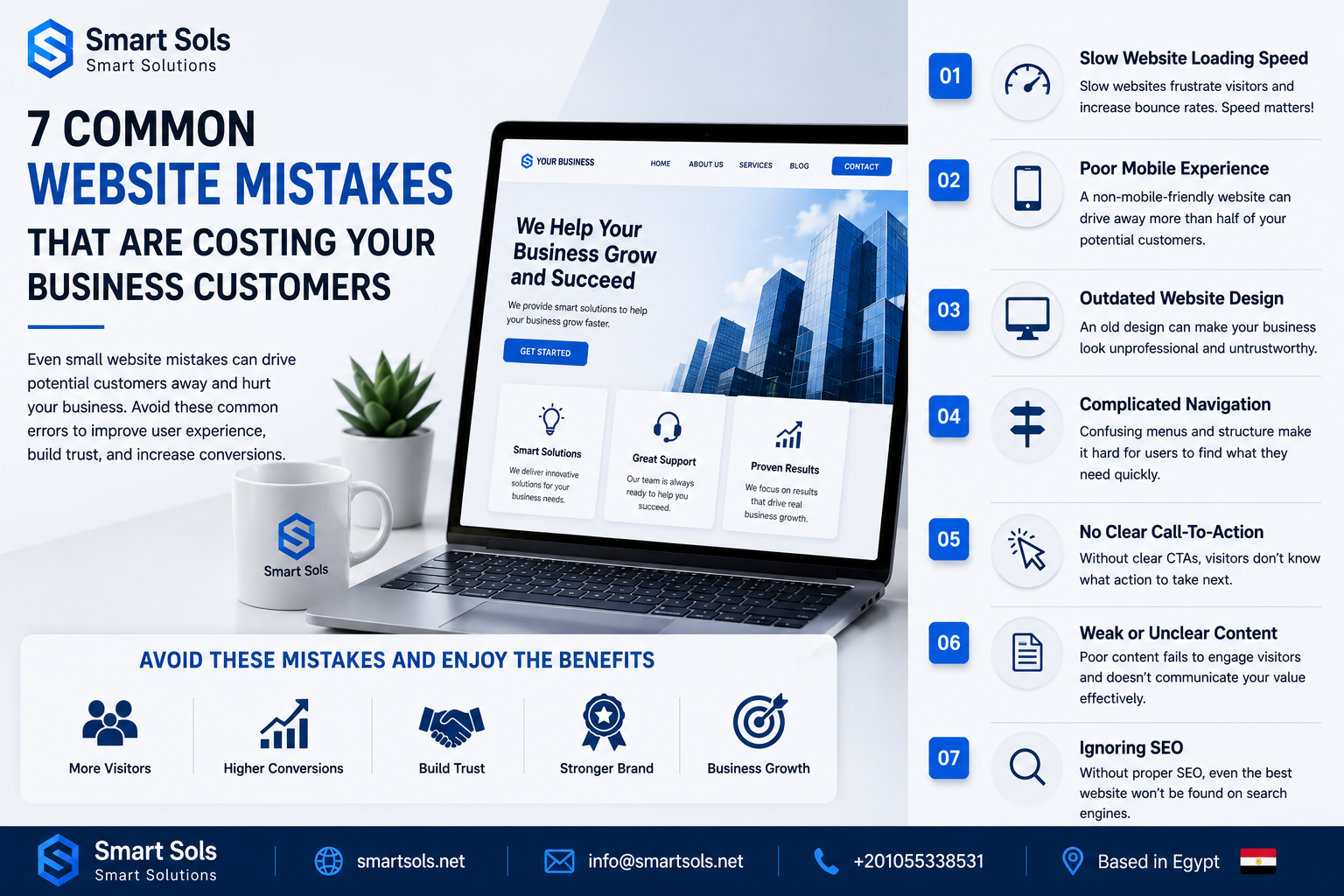
Your website may look attractive, but small mistakes can significantly reduce conversions and drive potential customers away. In this article, we'll discuss the most common website mistakes businesses make and how to avoid them.
7 Common Website Mistakes That Are Costing Your Business Customers
1. Slow Website Loading Speed
Website speed plays a critical role in user experience. Visitors expect pages to load quickly, and even a few seconds of delay can increase bounce rates and reduce conversions.
How to Improve:
- Optimize images
- Use reliable hosting
- Enable caching
- Minify CSS and JavaScript files
2. Poor Mobile Experience
Most users browse websites on smartphones. If your website is not mobile-friendly, visitors may leave before taking any action.
Signs of Poor Mobile Design:
- Text is difficult to read
- Buttons are too small
- Pages require horizontal scrolling
- Slow performance on mobile devices
3. Outdated Website Design
An old-fashioned design can make your business appear less professional and less trustworthy.
Modern Websites Should Include:
- Clean layouts
- Professional branding
- Clear navigation
- High-quality visuals
- Responsive design
4. Complicated Navigation
Visitors should find information quickly and easily. Complex menus and confusing page structures frustrate users and increase abandonment rates.
Best Practices:
- Keep menus simple
- Use clear labels
- Highlight important pages
- Reduce unnecessary clicks
5. No Clear Call-To-Action
Many websites fail because they don't guide visitors toward the next step.
Examples of Effective Calls-To-Action:
- Request a Quote
- Contact Us
- Book a Consultation
- Get Started Today
- Schedule a Demo
6. Weak or Unclear Content
Your website content should clearly explain who you are, what you offer, and why customers should choose your business.
Strong Content Should:
- Address customer needs
- Highlight benefits
- Build trust
- Include relevant keywords
- Encourage action
7. Ignoring Search Engine Optimization (SEO)
A visually attractive website is not enough if potential customers cannot find it on Google.
Essential SEO Practices:
- Keyword optimization
- Fast loading speed
- Mobile responsiveness
- High-quality content
- Meta titles and descriptions
- Internal linking
Conclusion
A website is one of the most important assets for any modern business. By avoiding these common mistakes, you can improve user experience, increase conversions, attract more customers, and maximize the return on your digital investment.